 NOVO DENTAL LIMITED
NOVO DENTAL LIMITED
NOVO DENTAL LIMITED
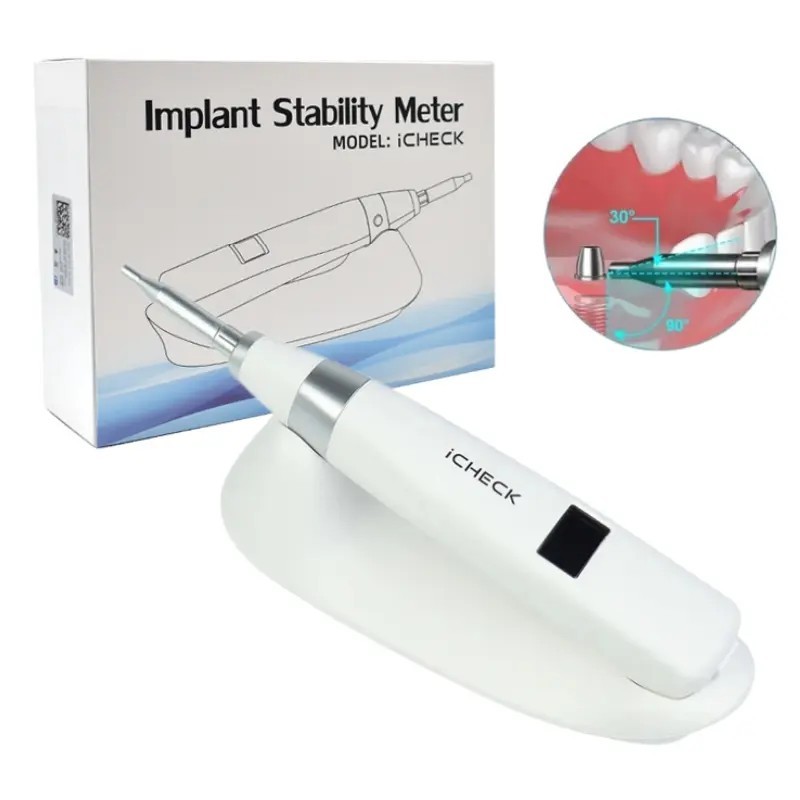
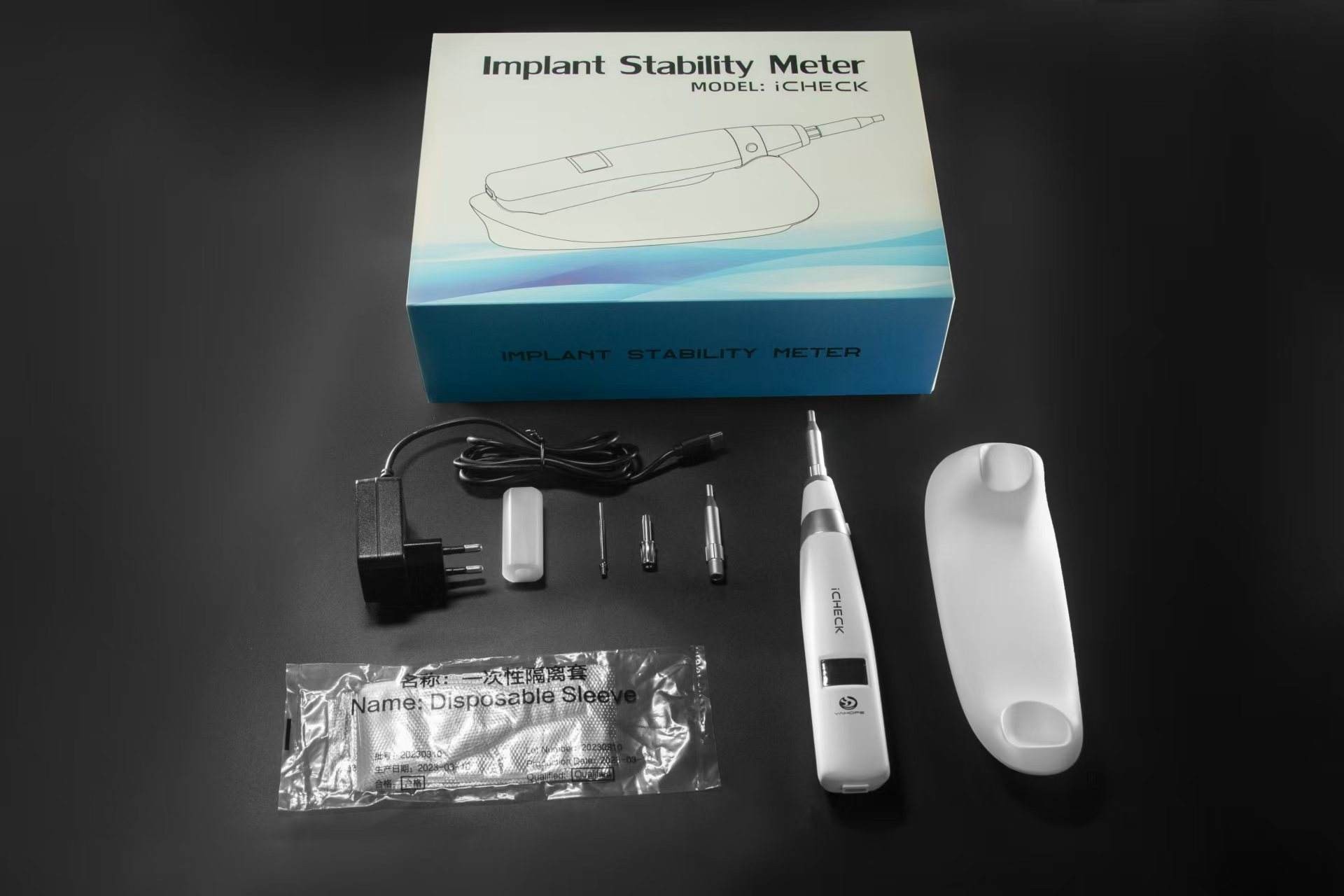
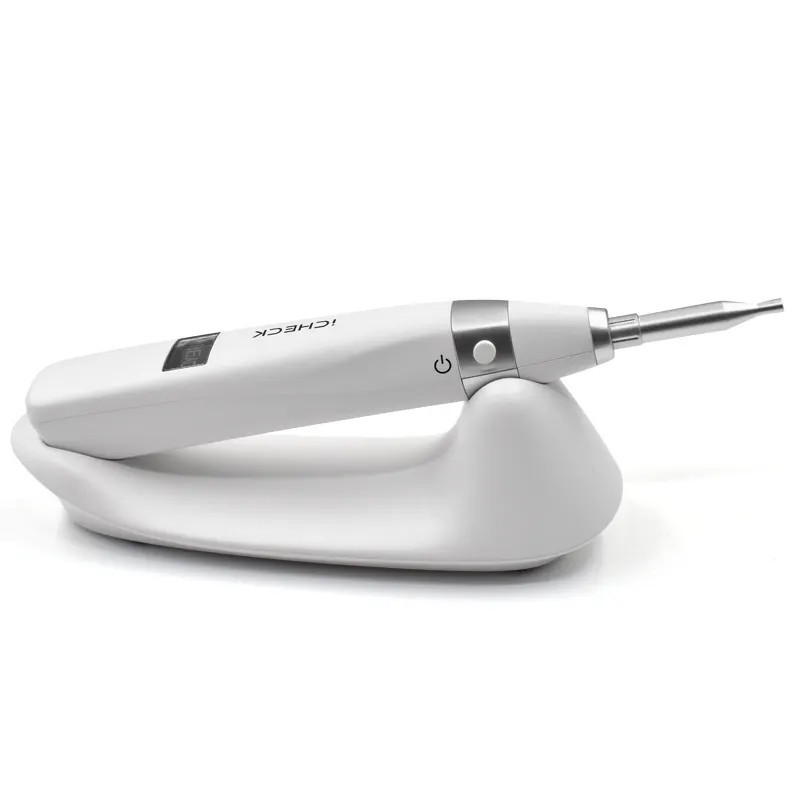
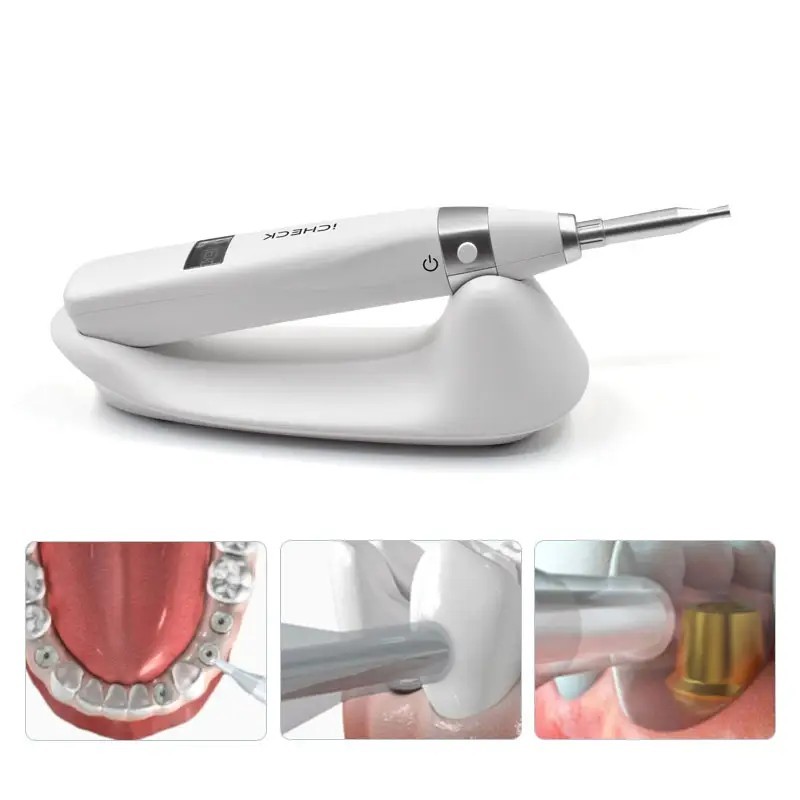
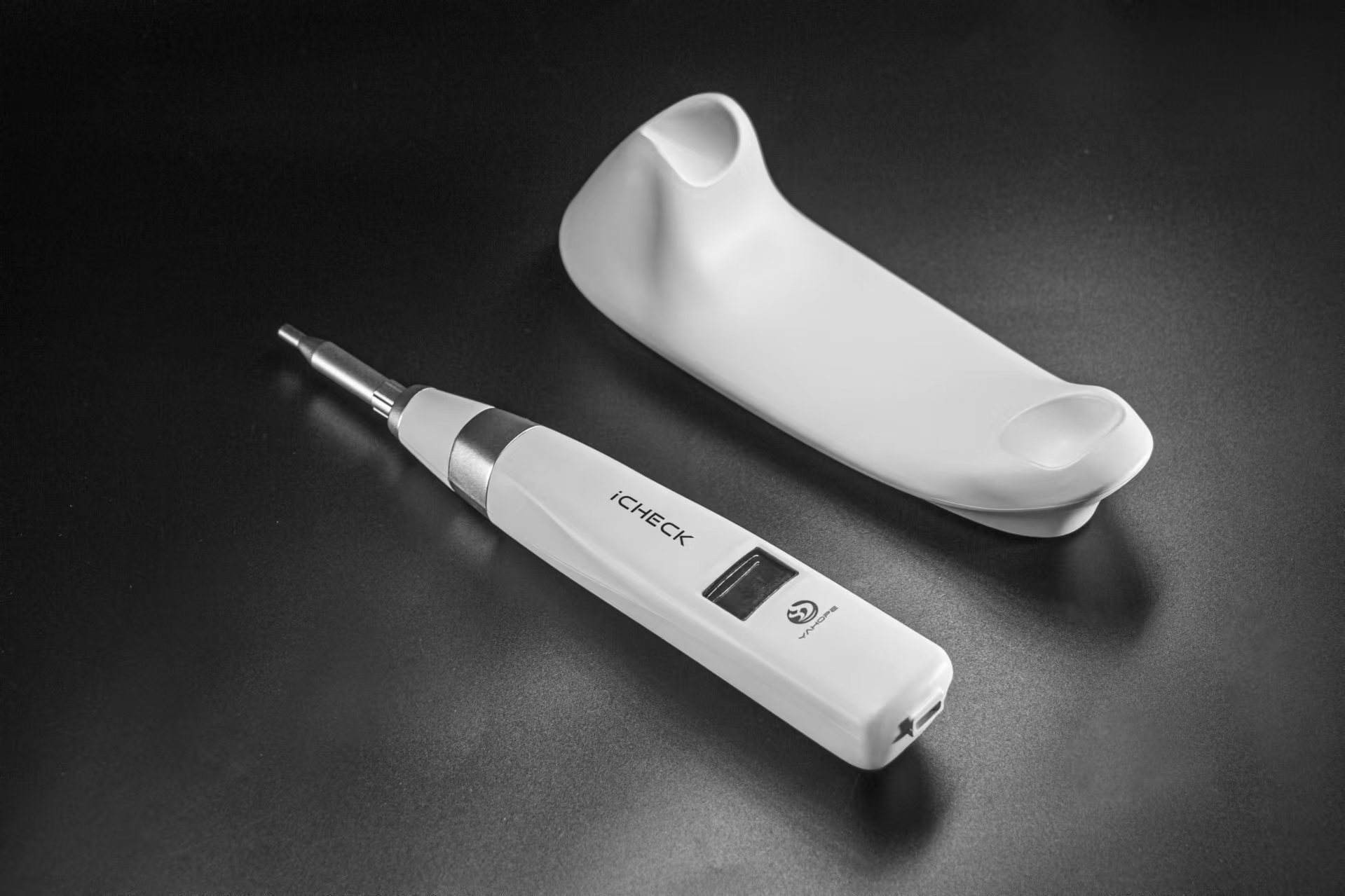
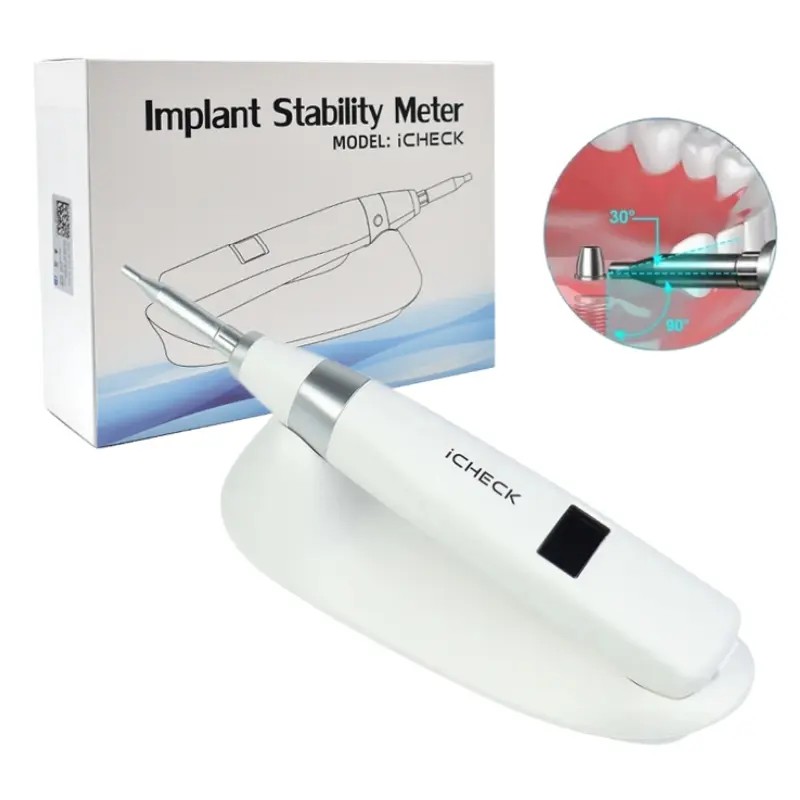
Implant stability meter iCHECK
Product Function:
Detect implant stability
Reduce risk and reduce treatment time
Product Advantages:
1. High precision
2. Easy to operate
3. High stability
Operation Steps :
1. Gently place the front end of the tapping rod on the edge of the healing abutment, and do not press the abutment with force. Make the tapping rod and the top side of the healing abutment as close to 90° as possible, and start tapping after pressing the power on/off button once.
Note: The closer the angle between the tapping rod front guide rod and the healing abutment is to 90°, the more accurate the measurement value; during the measurement, keep the contact angle within the horizontal upward tilt range of 0°~30°; due to the different bone widths in different directions of the implant, the measurement data will be biased. Please try to measure the stability value at multiple angles to get a reasonable value.
2. The ISQ value will be displayed on the display. This value reflects the stability level of the general ISQ range - from 1 to 99. The higher the ISQ value, the more stable the implant.
When the display reading shows a red 01~59 value, it means that the stability is not up to standard.
When the display shows a yellow value of 60-64, it means that the stability has reached the reference value.
When the display shows a green value of 65-99, it means that the stability is good.
Note: Number of taps: When the measured value is between 1 and 59, tap twice; when the measured value is between 60 and 99, tap six times to ensure measurement stability.

Name: Cathy Chen
Mobile:+8618926466077
Tel:+8618926466077
Whatsapp:8618926466077
Email:cathy@dental-novo.com
Add: